Browse the Menu
Digital Menu lets customers view menu categories, dishes and prices through a QR code.
Explore Digital Menu
Running a restaurant means balancing guest expectations, kitchen coordination, table service and billing throughout the day. The right restaurant technology should help your team manage these tasks without making everyday operations more complicated.
Menu Zyka offers restaurant solutions for waiter-led ordering, QR-based table ordering and digital menu access. Explore restaurant management software designed around your service style, and choose the tools that fit your restaurant's operational needs.
Whether you manage a family restaurant, a fine-dining establishment or a casual dining outlet, discover practical ways to organise your service with Menu Zyka.
Dine-in POS · QR ordering · Digital menu · Takeaway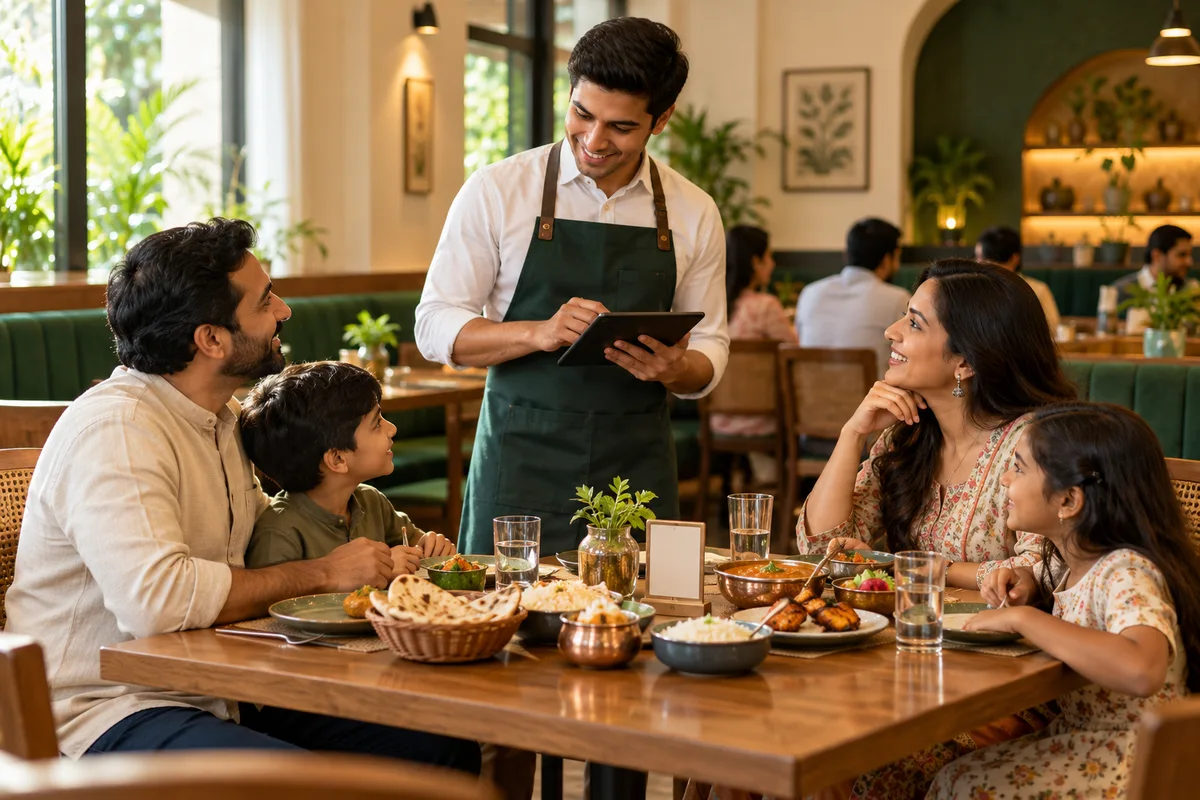
Every restaurant serves guests differently. Some depend on waiters to record orders, while others want guests to order directly from their tables. Some simply need a convenient way for customers to browse the menu before ordering through staff.
Menu Zyka helps you choose the right digital workflow for your business. From menu access and order handling to kitchen communication and table management, explore restaurant management software solutions that match your daily operations.
If you're comparing the best restaurant software for your business, start by identifying the tasks you want to improve and the features your team actually needs.
Digital Menu lets customers view menu categories, dishes and prices through a QR code.
Explore Digital MenuSmart Dine-In POS supports table-specific QR ordering and a shared table cart and bill.
Explore Smart Dine-In POSTraditional Dine-In POS supports staff-entered orders and dine-in service workflows.
Explore Traditional Dine-In POSGive your team workflows that help keep service, kitchen preparation, and billing organized.
Waiters need a clear way to record orders and follow table activity during busy service periods. A suitable restaurant POS system supports the ordering workflow and helps staff organise the associated kitchen tickets.
Kitchen teams need accurate order details to prepare the requested items. Kitchen Order Tickets (KOTs) help organise these details and support communication between the ordering process and kitchen preparation.
Restaurants need a practical way to generate bills and handle orders throughout service. The relevant POS workflow can support billing and, where available, consolidate multiple KOTs into one bill.
Changes to dishes, prices and availability can make printed menus difficult to maintain. A digital QR menu lets guests browse supported menu information on their smartphones.
Some guests prefer personal service, while others appreciate placing orders from their tables. Selecting the appropriate workflow helps your restaurant accommodate its preferred service style.
Explore options for waiter-led dine-in, guest-led digital ordering, and simple digital menu access.
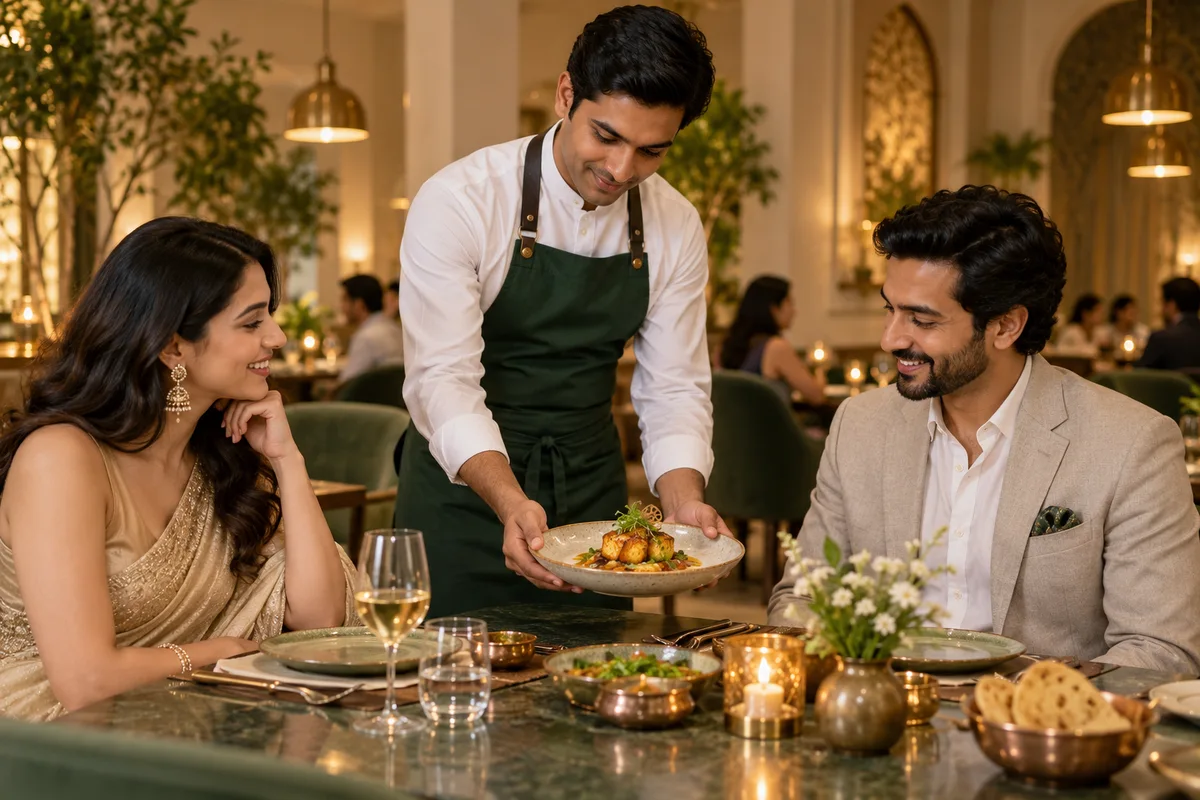
Manage waiter-entered orders, visual table statuses, reservations, Kitchen Order Tickets (KOTs), and billing through a connected dine-in workflow. When needed, staff can consolidate multiple KOTs into one bill while keeping track of dining-room activity. The POS workflow also supports takeaway management.
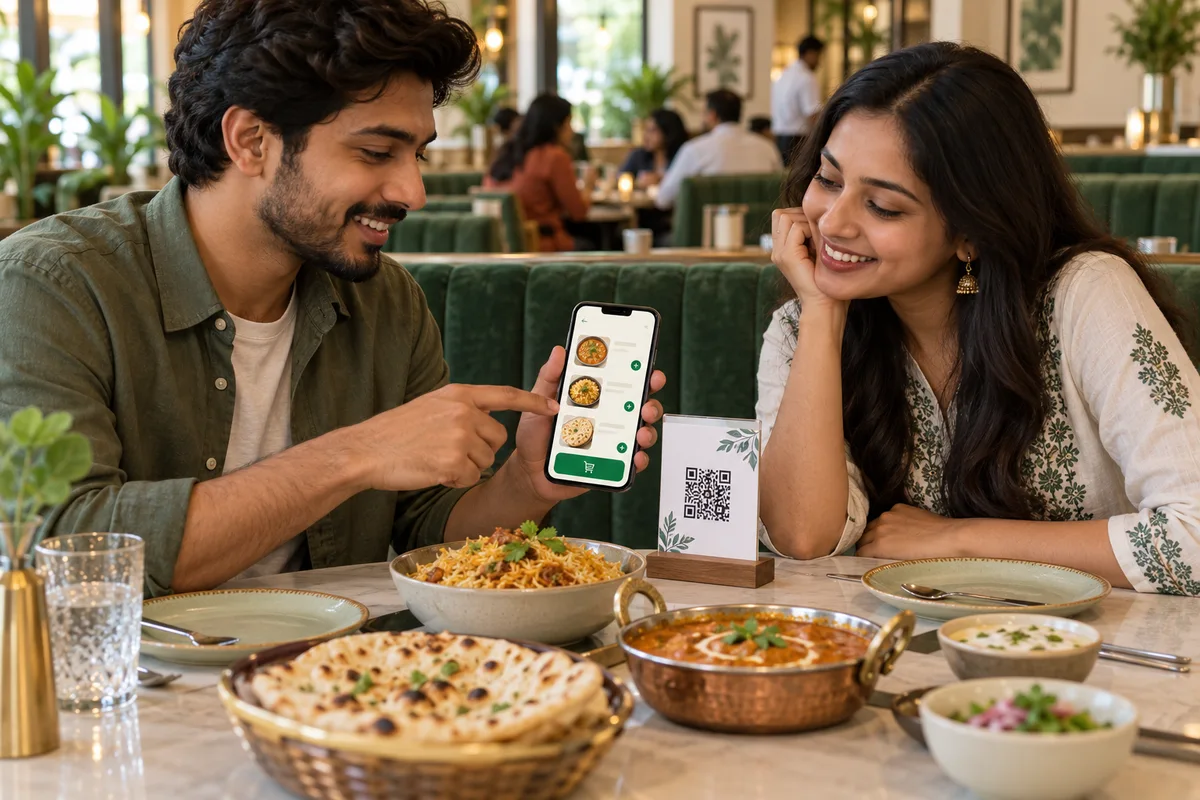
Give guests the option to order directly from their tables through Menu Zyka's Smart Dine-In POS. Guests scan a table-specific QR code, complete first-round table OTP verification and add items to a shared table cart and bill. When evaluating the best restaurant POS software in India for a QR-based service model, consider how well the available ordering features fit your guests and staff.
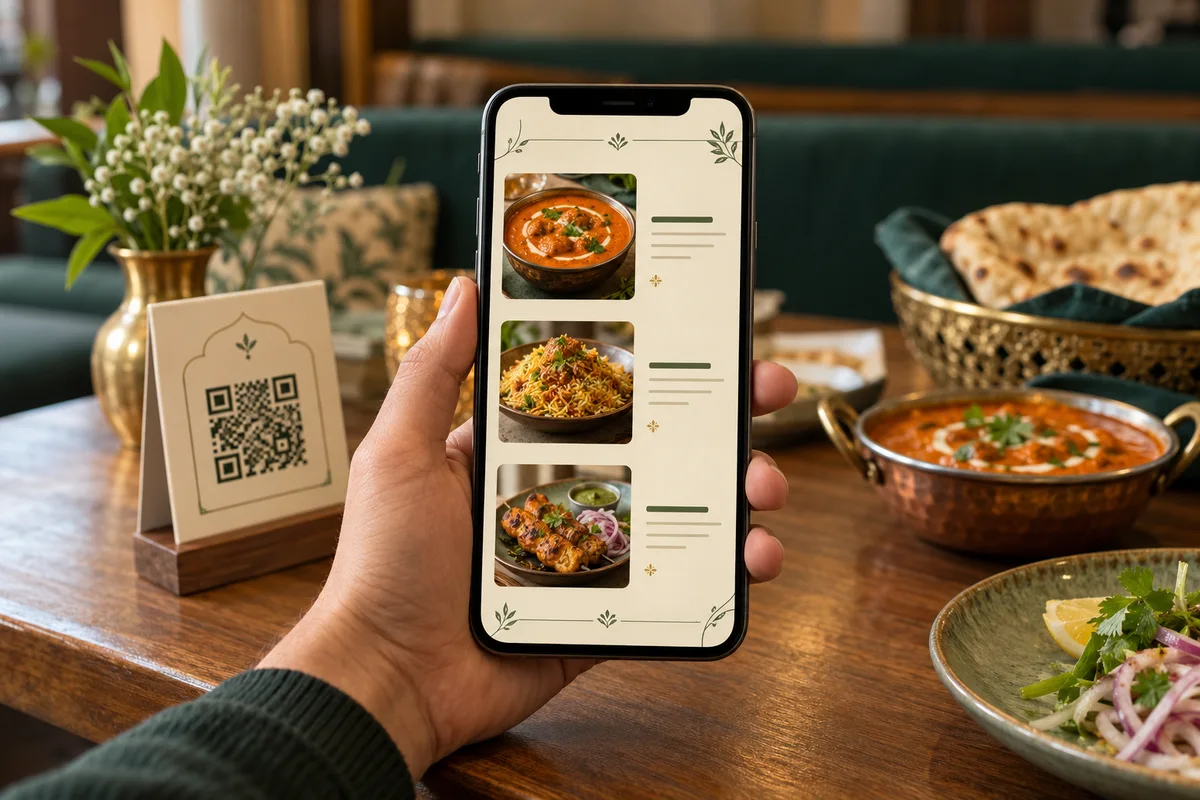
Let guests scan a QR code to browse your restaurant's menu, categories, dishes, and prices on their smartphones. Update supported menu information digitally, making your offerings easier to maintain without repeatedly reprinting physical menu copies. Digital Menu is designed for browsing; customers place their orders separately through your restaurant's usual ordering process.
Not sure which Menu Zyka solution fits your restaurant? Share how your guests browse menus, place orders, and receive service. Our team will guide you towards a suitable option and arrange a demo based on your needs.
Share your details and we'll help you choose the right workflow.
Choose tools that support your guests, service team, and kitchen workflow.
 01
Support waiter-led ordering, table activity, and billing, or introduce table-specific QR ordering for guests who prefer to order digitally.
Explore the solution02Manage waiter-entered orders, table status, reservations, KOTs, and consolidated billing through the Traditional Dine-In POS workflow.
Explore the solution 03
Choose between waiter-led service, QR-based table ordering, and digital menu access according to the way your team serves gu
Explore the solution04Offer guests a way to browse and order from their tables through Smart Dine-In POS, with a shared table cart and bill, repeat ordering, and waiter calling.
Explore the solution05Give guests a convenient way to browse dishes and prices on their smartphones without relying entirely on printed menu copies.
Explore the solutionConfigure the menu and operational features for the solution you select.
Set up your supported menu categories, dishes, and prices so guests can browse your offerings through Digital Menu.
Use Smart Dine-In POS for guest-led QR table ordering or Traditional Dine-In POS for waiter-led ordering, depending on your restaurant's service model.
Use the relevant POS and KOT workflow to help staff organise order details and coordinate kitchen preparation.
Use the table-management, billing, menu-management, and ordering capabilities available in your selected solution to support your restaurant's daily operations.
Learn more about restaurant management software and Menu Zyka solutions.
Restaurant management software helps businesses organize activities such as order taking, billing, menu management, table service, and kitchen communication. Available features depend on the selected solution.
Choose Traditional Dine-In POS if waiters take orders at the table, Smart Dine-In POS if you want guest-led QR ordering alongside waiter service, or Digital QR Menu for menu browsing without guest order placement.
Traditional Dine-In POS supports takeaway management alongside waiter-led dine-in operations. Quick Service POS is more specifically focused on takeaway order management.
Digital menu browsing and QR-based ordering are distinct capabilities. Menu Zyka offers a Digital QR Menu and separate QR ordering solutions for setups where guest order placement is enabled.
The relevant Menu Zyka workflows support Kitchen Order Tickets (KOT), helping connect order taking with kitchen preparation.
Request a demo to discuss your restaurant's service model and identify the Menu Zyka solution that best fits your requirements.
Talk through your restaurant's requirements with our team and see the relevant Menu Zyka solutions in a guided demo.