Keeping menus up to date
New drinks, seasonal desserts and price changes can make printed menus inconvenient to maintain. A digital menu offers a flexible way to present current menu information.
Running a café means creating a welcoming customer experience while keeping daily service organised. From customers browsing your menu to guests ordering at their tables, your team needs practical workflows that support smooth service without adding unnecessary complexity.
Menu Zyka offers café POS software solutions designed for different service styles. Give customers a convenient way to explore your offerings with Digital Menu, enable QR-based table ordering with Smart Dine-In POS, or help your team manage waiter-led service with Traditional Dine-In POS.
Whether you run a neighbourhood coffee shop, a dessert café or a casual dining café, explore a POS system for café operations that fits the way you serve your customers.
Digital menu · QR table ordering · Waiter-led service A welcoming café and an easy-to-browse menu
From customers exploring drinks and desserts to guests ordering from their tables, every café has its own way of serving people. Your team needs practical ways to present menu information, coordinate orders and manage table service without making daily operations more complicated.
Menu Zyka offers three café solutions for different service styles. Digital Menu lets customers browse your offerings using a QR code, Smart Dine-In POS supports QR-based table ordering, and Traditional Dine-In POS helps staff manage waiter-led service, table activity, kitchen orders and consolidated billing.
Whether your café needs convenient menu access, guest-led ordering or staff-managed table service, choose the solution that matches your workflow.
Thoughtful workflows help your team spend less time sorting out the small stuff.
New drinks, seasonal desserts and price changes can make printed menus inconvenient to maintain. A digital menu offers a flexible way to present current menu information.
Guests may want to browse and place orders without waiting for a staff member to take every order. A QR-based table-ordering workflow can offer another way to order.
Cafés with seated service need staff to manage table activity, enter orders accurately and communicate them to the kitchen.
During busy periods, staff need a clear workflow for sending orders to the kitchen and tracking the associated service process.
Some cafés serve customers at tables while also handling takeaway requests. Choosing an appropriate workflow helps the team manage these different service needs.
Start with menu browsing, then explore guest-led QR ordering and waiter-led table service.
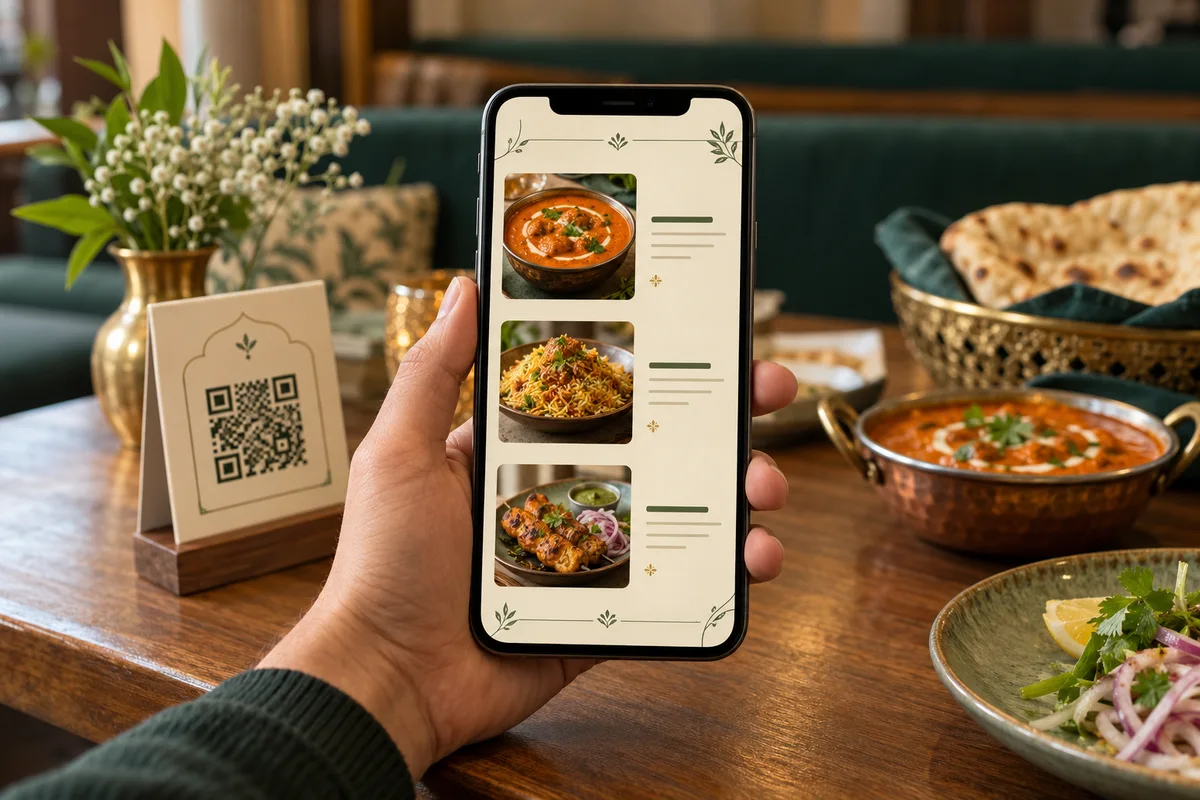
Let customers scan a QR code to browse your café's drinks, food, desserts, categories and prices directly from their smartphones. Update supported menu information digitally, making it easier to keep your offerings current without repeatedly reprinting physical menu copies. Digital Menu is for browsing and does not place customer orders.
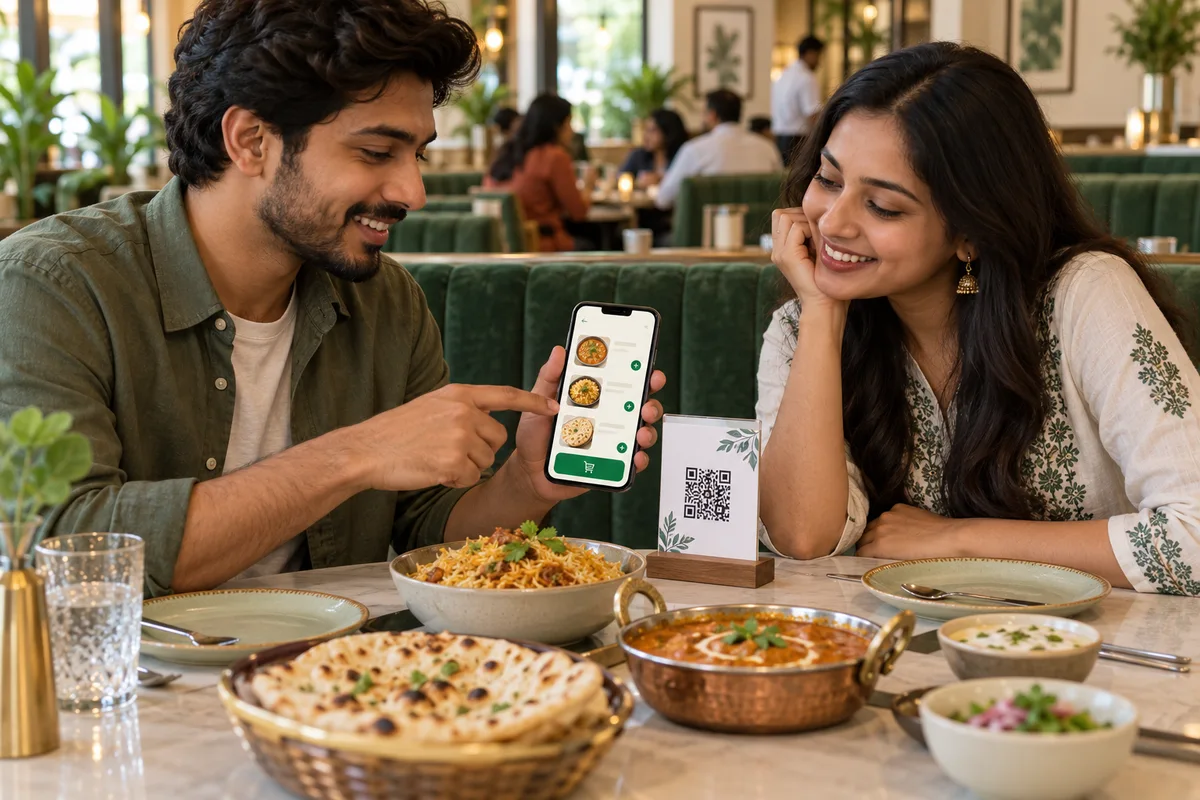
Make dine-in ordering more convenient with Menu Zyka's Smart Dine-In POS software. Guests can scan their table-specific QR code, complete first-round table OTP verification and add items to a shared table cart and bill. With one-click repeat ordering and a call-waiter feature, cafés can offer a connected ordering experience while keeping table orders integrated with the POS workflow. For businesses exploring café POS software that supports guest-led ordering, Smart Dine-In POS provides a QR-based option without requiring every order to be entered by a waiter.
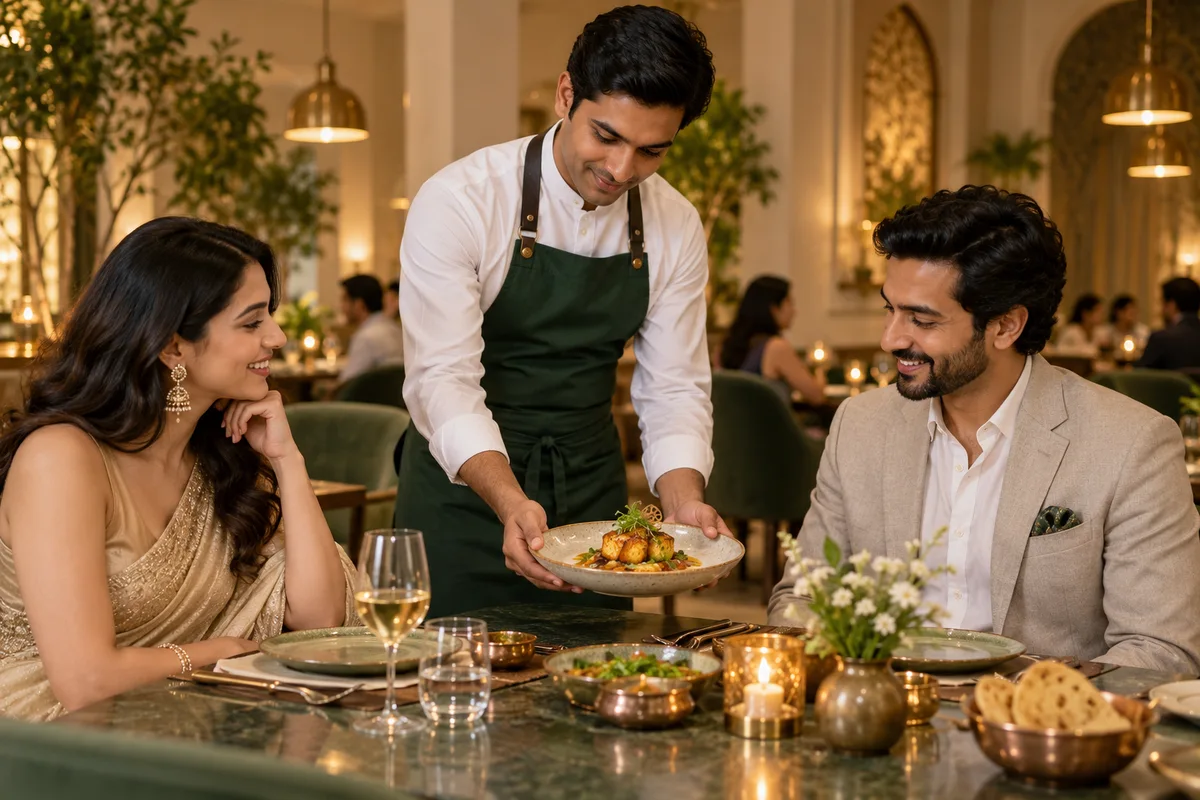
For cafés that offer seated service with waiters taking orders, Menu Zyka’s Traditional Dine-In POS helps staff manage table activity, waiter-entered orders, kitchen order tickets (KOTs), reservations and consolidated billing. The solution also supports takeaway management through its POS workflow. This café POS system is suitable for businesses that prefer staff-led ordering and want a more organised way to manage table service and kitchen coordination.
Explore café-specific workflows that match your service style.
Offer convenient digital menu access or introduce QR-based table ordering for customers who prefer to order from their seats. Menu Zyka's solutions can support different workflows for businesses seeking coffee shop POS software.
Explore solution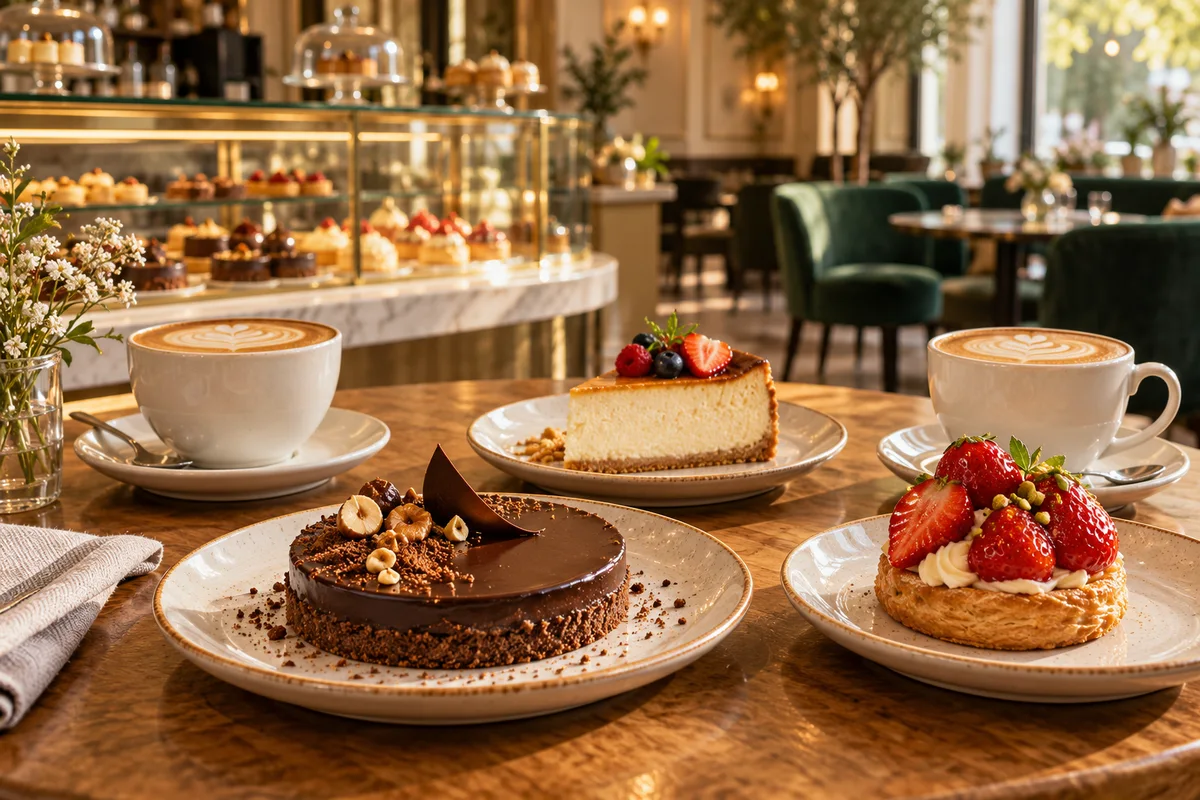
Make desserts, drinks and other menu offerings easier to explore through a scannable digital menu.
Explore solution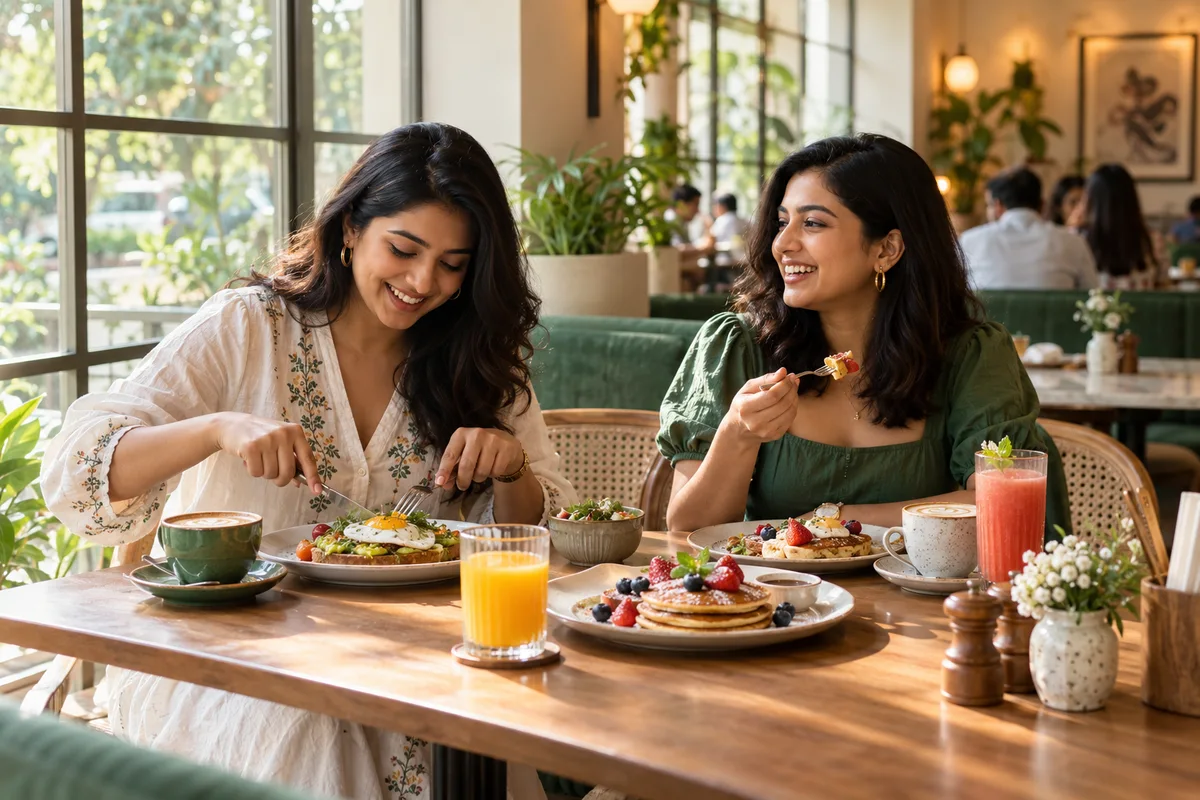
Support a structured service workflow with waiter-entered orders, table management, KOTs and consolidated billing.
Explore solution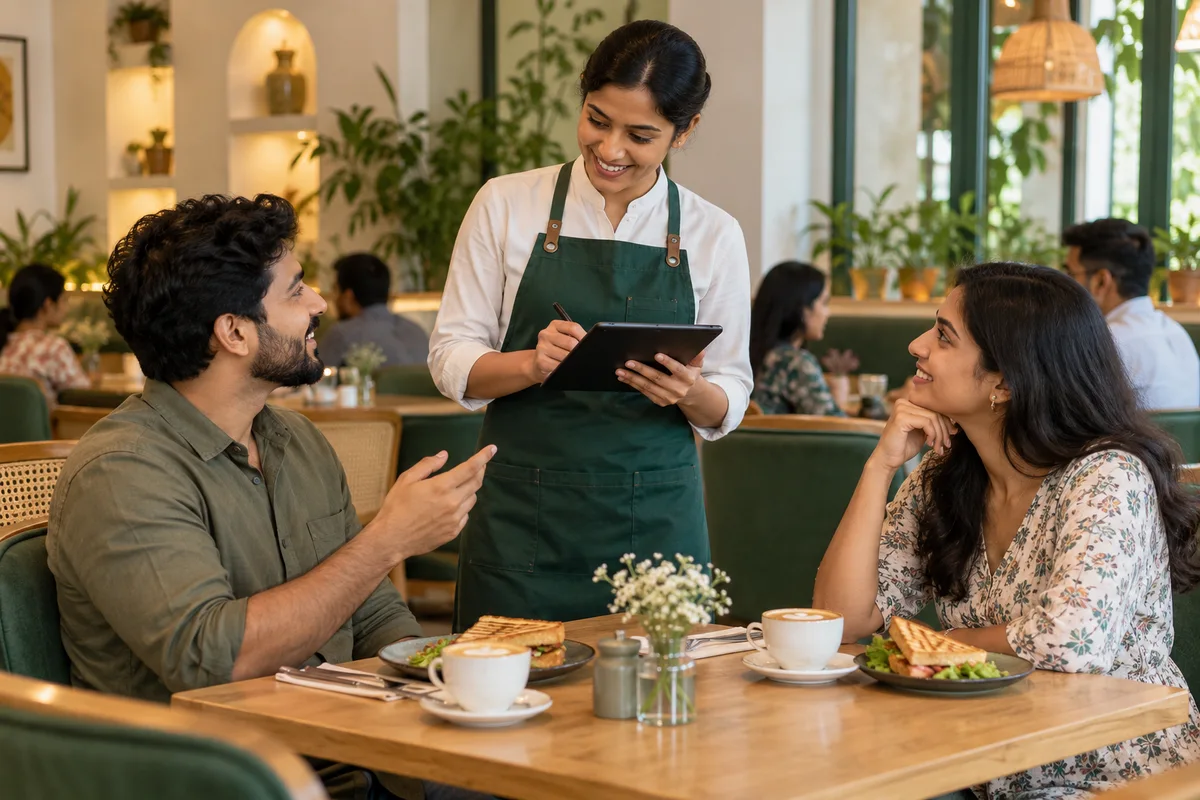
Choose Traditional Dine-In POS for staff-led ordering and table management, or Smart Dine-In POS if you want to support guest-led QR ordering.
Explore solution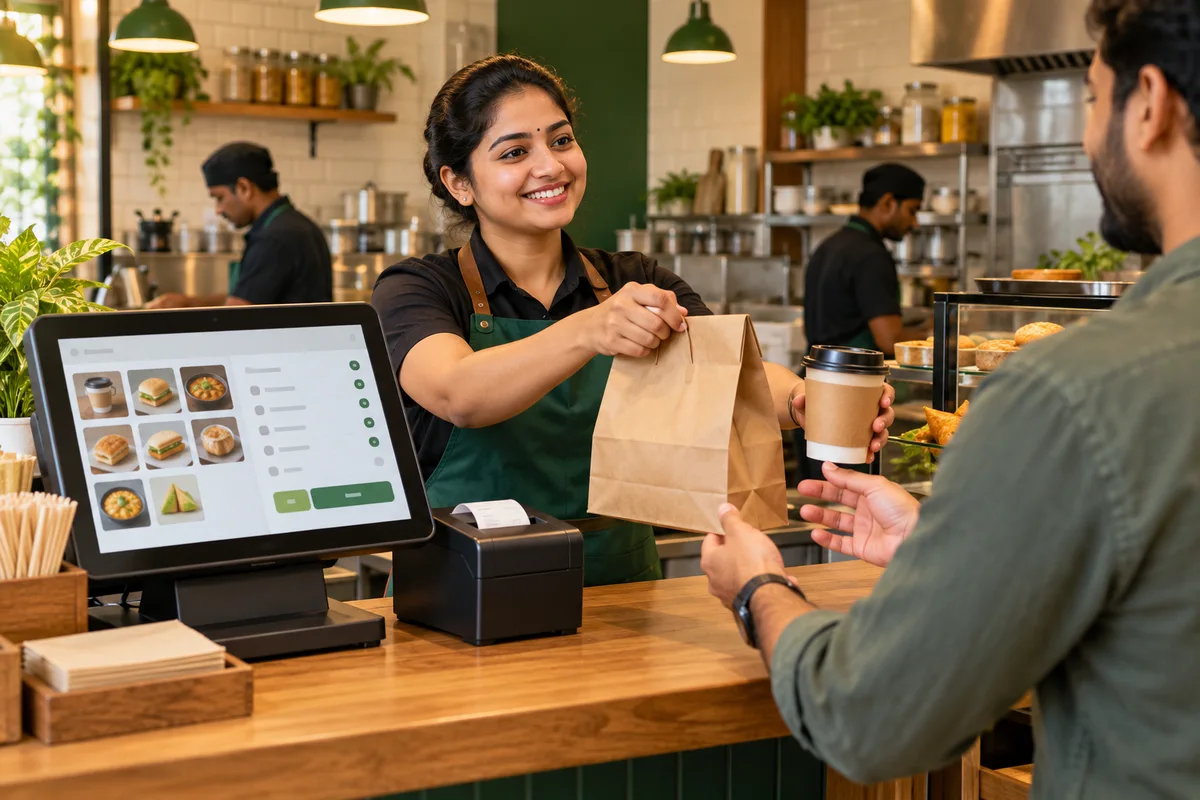
If you are comparing cheap POS systems for your café, start by identifying whether you need digital menu access, QR-based ordering or waiter-led service. Menu Zyka offers solutions for these different needs, so you can explore the appropriate option for your operating model.
Explore solutionNot sure which Menu Zyka solution fits your café? Our team can help you choose based on how customers browse menus, place orders and receive service.
Share your business details and requirements. We will guide you towards the most suitable solution and arrange a demo based on your operations and any custom needs.
Tell us what your café needs. We'll help you explore the right fit.
Talk to UsShare your details and preferred workflow.
Choose the capabilities that fit your day-to-day service.
Set up your supported menu categories, items and prices so customers can browse your offerings through Digital Menu.
Use Smart Dine-In POS for table-specific QR ordering or Traditional Dine-In POS for waiter-led ordering, depending on your café’s service model.
Use the applicable POS and KOT functionality to support order handling and kitchen coordination in the selected solution.
Choose the product that matches your operating needs, whether you want to simplify menu access, support guest-led table ordering or manage waiter-led service and billing.
Find the right setup for your café, one question at a time.
Café management software helps businesses organise everyday activities such as menu access, order taking, table service and billing. The right solution depends on how your café operates, whether you offer QR-based dine-in ordering, waiter-led service or a combination of both.
Digital Menu lets customers browse your menu using a QR code, Smart Dine-In POS supports QR-based table ordering, and Traditional Dine-In POS helps staff manage waiter-led service, table activity, KOTs and consolidated billing. Request a demo and our team can help identify the best fit.
Yes. Digital Menu lets customers scan a QR code and browse menu categories, items and prices on their smartphones. It is designed for browsing and does not itself support customer order placement.
Yes. Smart Dine-In POS supports table-specific QR codes and first-round table OTP verification. Multiple guests can add items to a shared table cart and bill, place repeat orders in one click, and use the call-waiter feature.
Yes. Traditional Dine-In POS supports waiter-entered orders, visual table status, reservations, KOTs and consolidation of multiple KOTs into one bill. It is suitable for cafés that provide seated service through waiters.
Traditional Dine-In POS supports takeaway management through its POS workflow. For a dedicated takeaway workflow with order-status tracking, KOT handling and scheduled pickup support, explore QR Ordering and Quick Service POS.
Yes. A café looking for simple digital menu access can choose Digital Menu, one offering table-based QR ordering can explore Smart Dine-In POS, and cafés relying on waiter-led table service can consider Traditional Dine-In POS.
Digital Menu lets customers browse dishes, categories and prices through a QR code. Smart Dine-In POS enables guests to place orders using table-specific QR codes. Traditional Dine-In POS is designed for staff-led table service, with waiter-entered orders, table management, KOT handling and consolidated billing.
Traditional Dine-In POS supports waiter-led dine-in service and takeaway management through its POS workflow.
From convenient digital menu access to QR table ordering and waiter-led service, explore the Menu Zyka workflow that fits your café.