TABLE 08New guest order
2 itemsSMART DINE-IN · CONNECTED RESTAURANT SERVICE
QR Ordering & POS Software for Restaurants — From Guest Order to Kitchen
Bring digital ordering, order management and kitchen coordination into one organized restaurant experience.
Give guests a direct route from your digital menu to order placement, while helping your team receive and organize those orders through Menu Zyka's POS and kitchen workflow.
Let guests explore your digital menu and place orders through their smartphones, while your team manages incoming orders through the connected POS and kitchen workflow.
Bring digital ordering, order management, and kitchen coordination into one more organized restaurant experience.
TABLE 08What would you like?
Paneer bowlFresh herbs · ₹280
Garden pizzaClassic crust · ₹360
2 itemsView cart · ₹640
LIVE ORDERSDining room
3 activeTABLE 04Preparing
4 items1 × Paneer bowl₹280
1 × Garden pizza₹360
Small beginnings.
Meaningful milestones.
- Restaurants onboarded
- 10+
- Orders completed
- 878+
- Customers served
- 400+
- Product options
- 5
GUEST PHONESelect dishes
Browse, customize and add to cart.
ORDER SUBMITTEDConfirm the order
Send the selected items digitally.
CONNECTED POSOrder appears live
Staff review the incoming table order.
KITCHEN KOTPrepare the ticket
The kitchen receives the order details.
ONE ORDER JOURNEY
One Order Journey, From Phone Screen to Kitchen Ticket
Traditional ordering often involves several handoffs between guests, service staff, the billing counter and the kitchen. Disconnected processes can make alignment difficult during busy service hours.
Menu Zyka's Smart Dine-in solution brings digital guest ordering into the restaurant's operational workflow. Guests browse and submit orders digitally, while your team manages order activity through the connected POS and KOT system.
Whether you operate a cafe, casual dining restaurant or family restaurant, connect the guest experience with the work happening behind the counter.
COMMON ORDERING CHALLENGES
Keep every handoff clearer during service.
Guests waiting to place their orders
During busy periods, guests may need to wait for a staff member to become available before they can place an order or request additional items.
Orders moving between different people
When orders are communicated verbally and passed between staff, the billing counter and the kitchen, maintaining accurate order details can become difficult.
Additional orders during a meal
Guests may decide to order more dishes or drinks after their initial order. Managing these additions efficiently helps keep the order record organized.
Limited visibility across the order journey
Teams need to know which orders have arrived, which require preparation and which are ready for the next stage of service.
TWO SIDES OF ONE EXPERIENCE
How Menu Zyka Connects QR Ordering with POS
Digital Ordering for Your Guests
Give guests a convenient way to browse your digital menu and place orders through their smartphones instead of relying entirely on verbal order-taking.
TABLE 08Your order
Paneer bowl₹280
Garden pizza₹360
Connected POS and kitchen workflow
Bring incoming orders into the restaurant's order-management process. The supported workflow connects POS and KOT functionality to help coordinate preparation.
INCOMINGTable 082 items · ₹640
KITCHEN TICKETKOT #108
1 Paneer bowl
1 Garden pizza
WHY SMART DINE-IN
Why Restaurants Can Benefit from QR Ordering & POS
Let Guests Choose. Give Staff a Clearer Order Record.
Give guests a digital way to explore the menu and place orders, making ordering more accessible through their smartphones.
Better-organized order management
Keep digitally placed orders within the connected workflow, see table status and billing requests, and review sales, payment collections and item-level records.
A more connected kitchen process
Connect ordering with KOT functionality so kitchen staff can receive relevant order details through the configured workflow.
Review & export the sales records, payment collection for multiple orders
Review the verified POS activity for the business summary for any period, daily & item sales for the order collection, details of the payment collected from a specific table.
HOW MENU ZYKA SMART DINE-IN WORKS
How Menu Zyka QR Ordering & POS Works
- 01
Set up your digital menu
Add dish names, categories, prices and available images so guests can explore your offerings.
- 02
Let guests scan and order
Guests open the digital ordering experience, select items and submit their order through the enabled flow.
- 03
Manage incoming orders through POS
Orders enter the connected workflow so your restaurant team can access and manage the relevant information.
- 04
Send orders to the kitchen
The connected KOT workflow communicates order details to the kitchen for preparation.
BUILT FOR DINE-IN SERVICE
Who Is Menu Zyka QR Ordering & POS For?
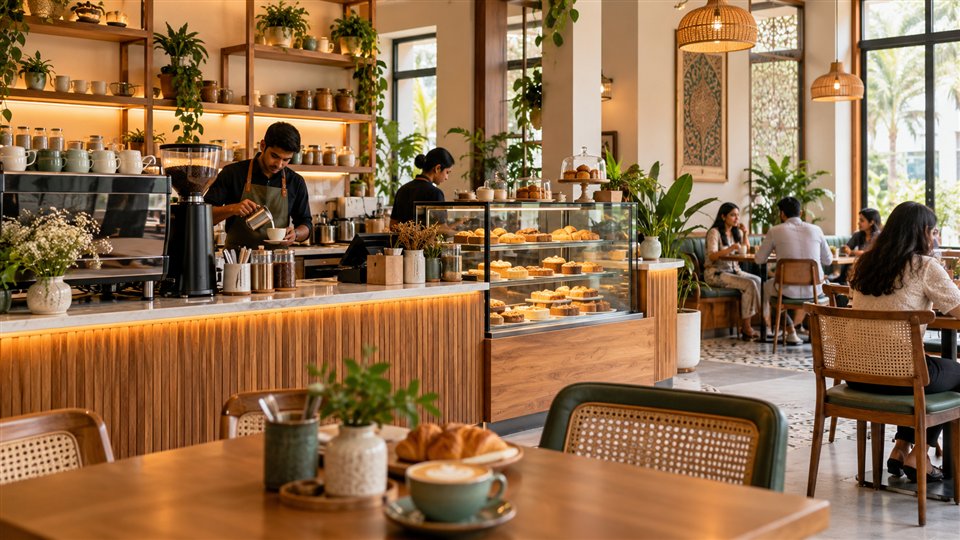
Cafes
Give customers a convenient way to browse beverages, snacks and food options while your team manages incoming orders.
Explore solutions for Cafes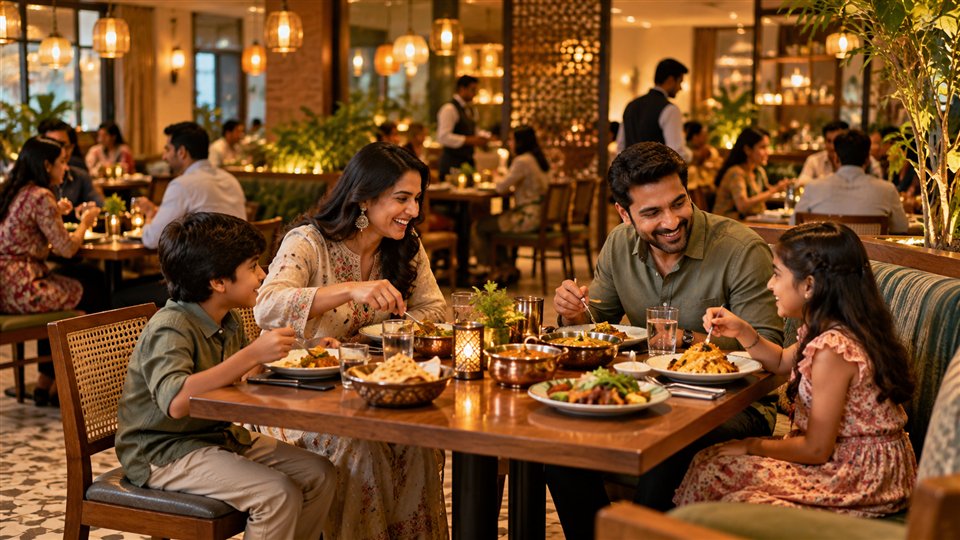
Family and casual dining
Support a convenient guest experience while keeping order details connected to the restaurant workflow.
Explore solutions for Family and casual dining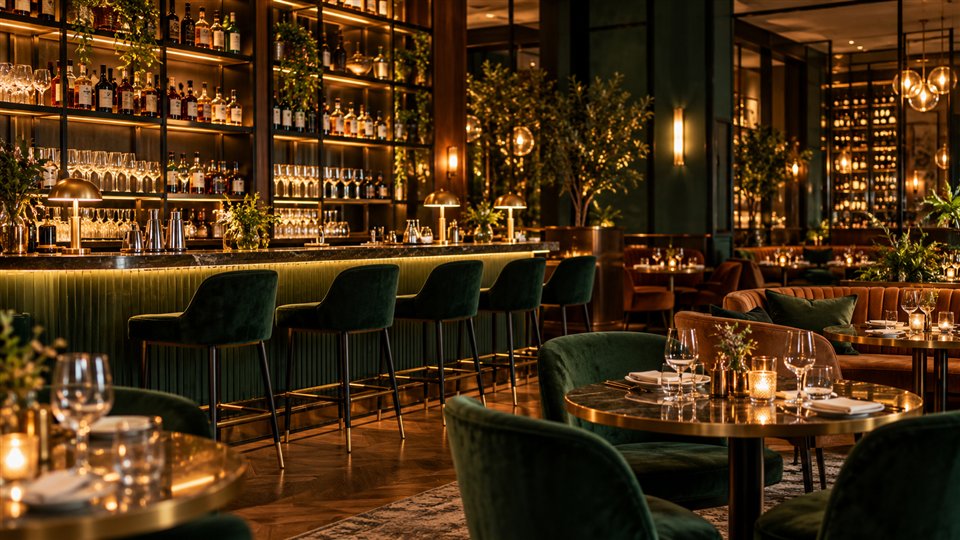
Bars, lounges and bistros
Make digital menu access and ordering available while staff coordinate preparation and service.
Explore solutions for Bars, lounges and bistros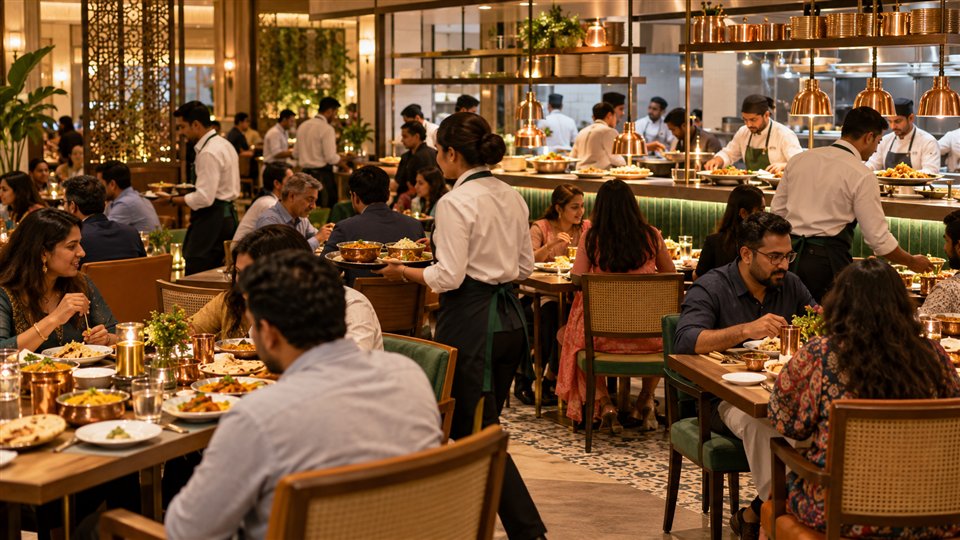
Busy service restaurants
Connect guest ordering with POS and kitchen ticket workflows during demanding service periods.
Explore solutions for Busy service restaurantsQR ORDERING & POS, EXPLAINED
We got all your questions answered
Short answers about the guest ordering and restaurant workflow.
What is QR Ordering & POS software?
QR Ordering & POS software connects a guest-facing digital ordering experience with the restaurant's order-management and point-of-sale workflow. Guests can browse the menu and place orders digitally, while staff manage orders through the connected restaurant system.
How is QR Ordering & POS different from a digital QR menu?
A digital QR menu allows guests to scan a code and browse dishes and prices. QR Ordering & POS adds digital order placement and connects those orders with the restaurant's operational workflow, where supported.
Do guests need to download an app to place orders?
Guests can use a browser-based QR ordering experience when it is enabled in the Menu Zyka setup. Confirm the live guest experience for your configured package before launch.
Can orders placed through QR ordering reach the kitchen?
Menu Zyka's relevant ordering workflow connects with KOT functionality. The exact routing and preparation process depend on the configured product setup.
Can guests place additional orders?
Additional ordering depends on the enabled guest-ordering functionality. The supported repeat-order shortcut can make further orders more convenient in the QR Ordering & POS QR Table Ordering package.
Is QR Ordering & POS suitable for small restaurants?
It can suit cafes, family restaurants, casual dining businesses and other food-service operations looking to connect digital guest ordering with their restaurant workflow.
Does Menu Zyka support traditional waiter-based ordering as well?
Menu Zyka has a separate Traditional Dine-In POS solution for staff-managed table orders and restaurant operations. Available capabilities depend on the packages and integrations enabled for your restaurant.
Bring Guest Ordering and Restaurant Operations Closer Together
Ready to make restaurant ordering more convenient?
Give guests a digital way to explore your menu and place orders, while helping your team manage incoming orders through a connected POS and kitchen workflow.
A CONNECTED RESTAURANT JOURNEY
Discover how Menu Zyka Smart Dine-in can fit the way your restaurant serves guests.
- Review the guest QR ordering experience
- Walk through incoming POS orders and KOT
- Discuss your tables, team and service workflow
Follow an order through your restaurant
Illustrative workflow- Guest scans & chooses
Your menu opens on their phone. Dishes and choices come together in one order.
QR menu & guest ordering - Your team receives the order
Keep the table, items and quantities together in your connected POS workflow.
Table & order details - The kitchen gets a clear ticket
Bring item details and preparation notes to the team preparing each dish.
Kitchen order ticket
Guest→POS→Kitchen